
Building a Daily Counting Routine
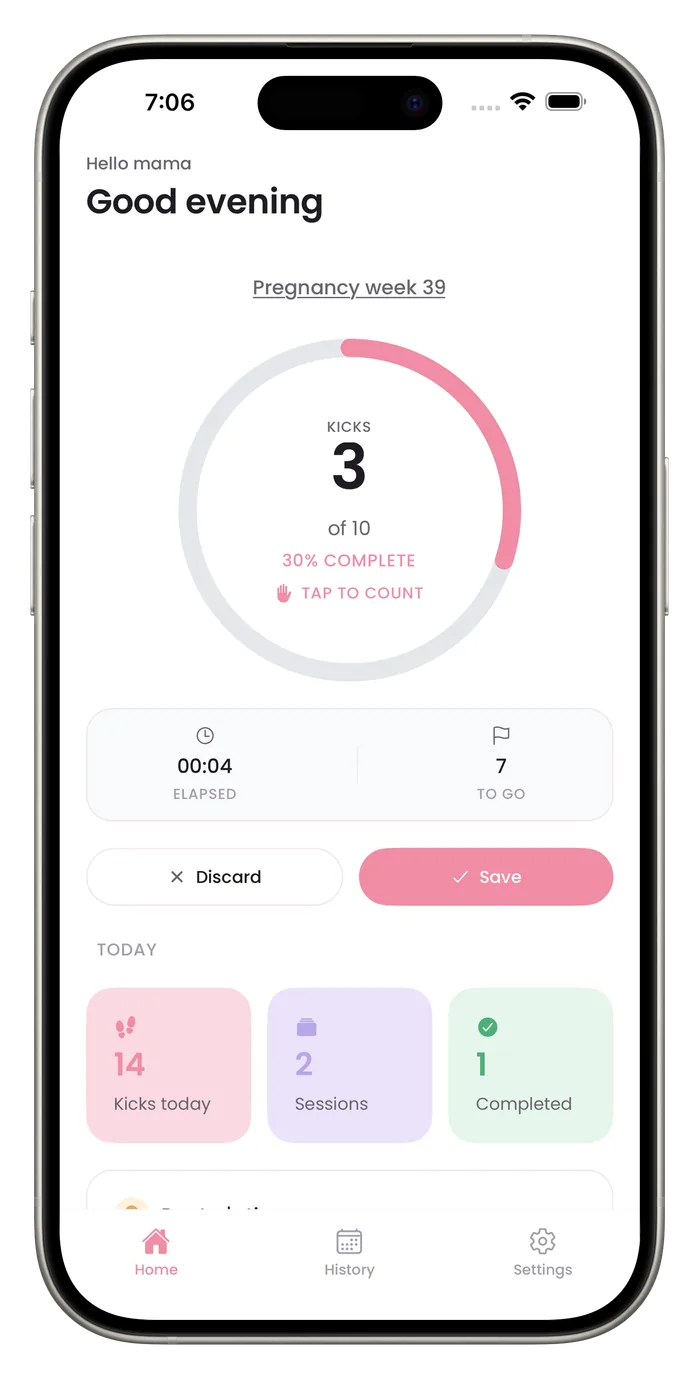
A daily kick count is easier to keep up when it has a set time and a quick way to see that you did it. Bumpi Kicks offers one optional reminder, a Today summary on the home screen, and a chart and calendar that show how often you counted.

What helps the habit stick
One optional reminder
Set the time in setup, or pick one of five times in Settings, and the daily reminder arrives once a day at that time.
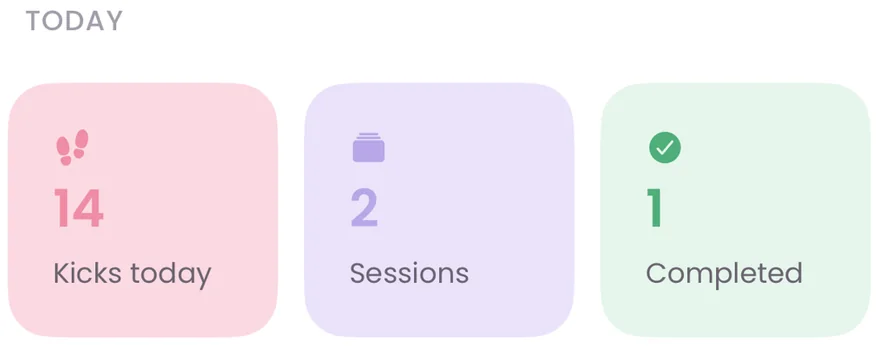
A Today summary
The home screen shows kicks saved today, sessions saved and sessions that reached your goal.
A chart of the last week
The 7-day chart shows which days you counted and which you did not.
A calendar for this month
Plain days in the calendar show gaps, which is useful if you want to count at the same time every day.
Questions about this
How long does a session take?
It takes as long as your session takes. A session ends when you reach your goal or when you save it early. The clock on the home screen shows the time so far.
Do I have to use the reminder?
No. It's optional, and you can turn it off in Settings.
Start a daily record today.
Bumpi Kicks keeps a simple log of your kick counts that you can look back on and show your care team.
Free to download. Counting needs a Pro subscription, and the App Store paywall shows the price and any free trial before you pay.